Almost every managerial task looks effortless on paper, seemingly being all about assigning tasks, communicating, and tracking progress. Well, the reality is otherwise. Most business owners struggle with consistency, accountability, and clarity, especially when working remotely.
The same goes for inter-dependent tasks like managing virtual assistants. It does feel like a piece of cake but honestly the ground reality says that’s where the right tools make a difference.
It sometimes is a headache to understand what are the top tools for managing virtual assistants is not just about knowing software names. Not just that but building a system where your assistant knows what to do, when to do it, and how success is measured—without you constantly checking in.
If you’re still building your team, choosing the right person matters just as much as the tools. Here’s a helpful guide on how to find the right virtual assistant: How to find the right virtual assistant
Summary
- Virtual assistant management tools are designed to help business owners enhance productivity and maintain smooth operations with their VAs.
- The right tools empower virtual assistants to deliver high-quality work while maintaining productivity and accountability.
- Task management tools, project management tools, communication tools and social media management tools are essential for successful VA management in today’s world.
What is a Virtual Assistant Management Tool?
A virtual assistant management tool is not just software—it’s your operating system for delegation.
It helps you:
- Assign tasks without confusion
- Track progress without micromanaging
- Communicate without delays
Without these tools, even the most skilled virtual assistants can underperform—not because of ability, but because of unclear systems.
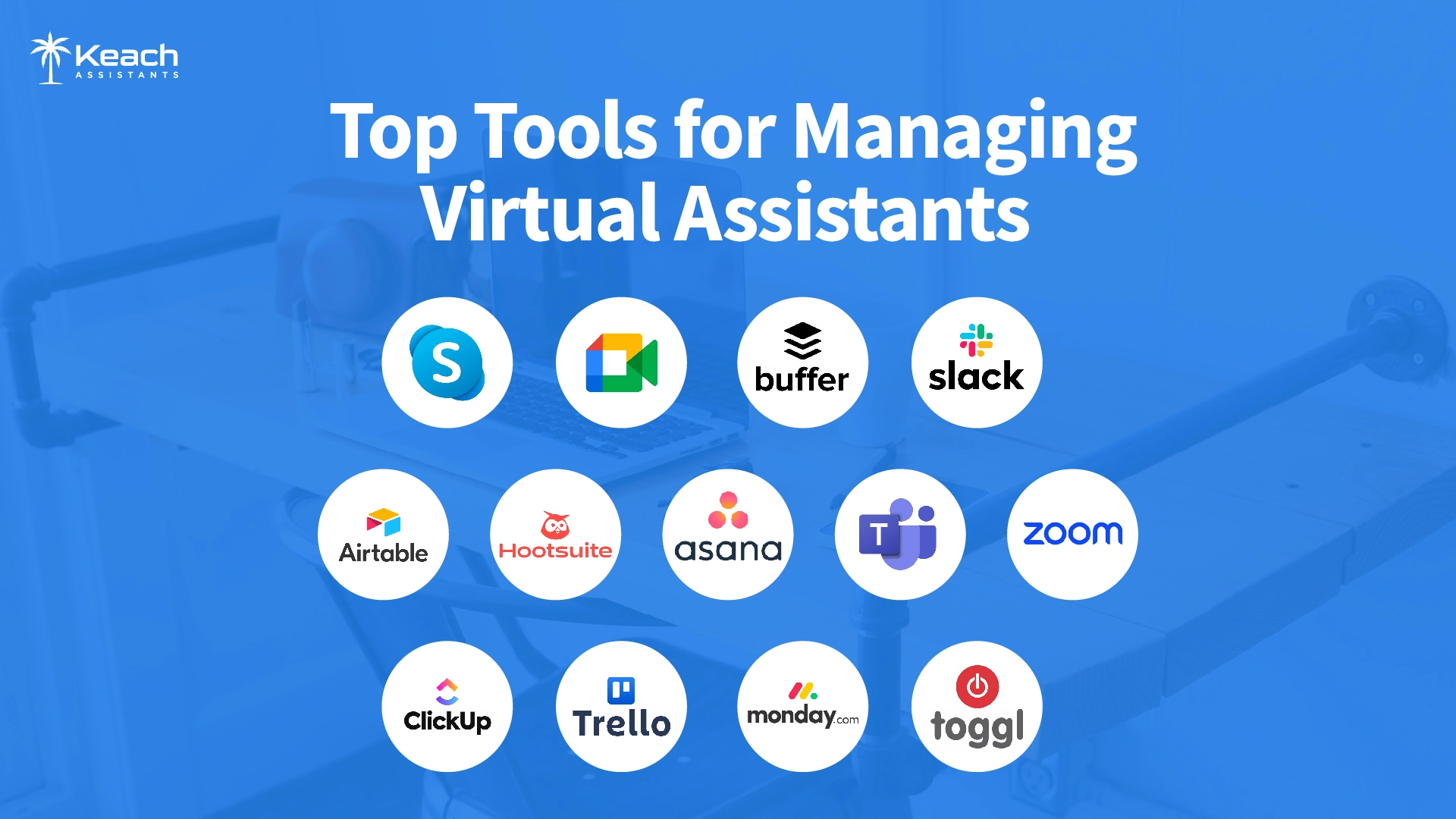
Types of Management Tools
Management tools play a critical role in improving efficiency and ensuring smooth operations. Below are the key categories:
Task management tools
Task management tools are the backbone of managing any team by arranging tasks, deadlines, and resources. These tools come up in scheduling, progress tracking, and collaboration.
Communication tools
Effective communication is the key to a virtual assistant’s success. Communication tools play a vital role in managing virtual assistants.
Time-tracking tools
Time-tracking tools are essential software for managing VAs, particularly for monitoring time spent on tasks and projects.
Social media management tools
Social media management tools save time by automating posts and organizing content. These tools will enhance uniformity and audience involvement.
Collaboration tools
Collaboration tools are essential to ensure seamless coordination and workflow when managing a virtual assistant.
Before implementing tools, make sure you’ve hired someone with the right capabilities.
How Do You Manage Virtual Assistants with Tools?
- To manage virtual assistants, start by setting clear goals and using project management tools like Asana or Trello, which help define tasks.
- Regularly check the progress using tools to confirm that tasks are on track and deadlines are met.
- Precise communication between you and your VA is essential. Tools like Slack and Zoom for instant messaging and video calls allow easy feedback.
- Use online storage platforms like Google Drive or Dropbox to share crucial documents.
- Integrating must-have tools & apps for managing virtual assistants, including Clickup and Basecamp, to improve project management and collaboration to make everything easy and efficient.
If you’re still figuring out your hiring a virtual assistant, these tips can save you time and cost.
Where to find a Virtual Assistant?
If you’re looking to streamline your operations and want skilled support, admin help or a specialized executive assistant working with us make a significant difference. Whether you need it, having the right professional can transform your daily workflow.
1. Task Management Tools
Task management tools help organize workflows, assign responsibilities, and track deadlines. They are essential when working with virtual assistants, especially for maintaining accountability.
Trello
This tool offers boards, lists, and cards for easy drag-and-drop tasks and project management.
Asana
Asana is an online project management tool for startups and small businesses. This platform allows the team to create tasks quickly and include deadlines.
Monday.com
Monday.com is a fully customizable project management platform that helps you organize your tasks. Managing a virtual assistant gives you transparency in project priorities, deadlines and responsibilities.
Todoist
Todoist is a task management tool that helps users set up an organizational task with priority levels. This tool allows you to assign tasks, set deadlines, and monitor progress when managing a virtual assistant.
ClickUp
ClickUp is another project management tool that offers several benefits, including streamlined onboarding through customizable templates and efficient task management with assigned deadlines. Additionally, it can create workflows to achieve enhanced productivity.
2. Communication Tools
Clear communication is critical when managing virtual assistants, especially in remote environments.
Slack
Slack is a cloud-based communication tool used in 150+ countries. It is specially designed for team communication, raising the level of interaction and the flow of information within the organization. It allows users to create discussion channels, send files and messages, and conduct video calls, improving internal communication and increasing productivity.
Microsoft Teams
Microsoft Teams is a platform that enhances communication and productivity when managing a virtual assistant. It offers real-time messaging, along with the capability of video and audio calls, enabling fast communication. Microsoft Teams links remote working environments, making it easier to manage virtual assistants effectively.
Zoom
Zoom is a video conferencing tool for arranging virtual meetings and conferences. It has interesting features like screen sharing, breakout rooms, and recording capabilities. This versatile app is used by 140,845 companies in the United States.
Google Meet
Google Meet is another communication tool designed for virtual conferences, webinars, and meetings. It is also a helpful tool for managing a virtual assistant. It enables virtual assistants to participate in conferences, face-to-face interactions, discussions, and more. Google Meet has a user-friendly interface that makes setting up a meeting quickly.
Skype
Skype is a communication tool that allows users to make calls, videos, messages, and send files online due to its features and support for remote collaboration. It is handy for managing virtual assistants.
3. Time-Tracking Tools
Time-tracking tools are software applications that help business owners record the time spent on various tasks and projects. These tools are helpful in managing productivity and efficiency.
Toggl
A user-friendly time-tracking tool that offers reporting and project management features. It is mainly used by freelancers and virtual assistants.
Harvest
It tracks time with invoicing capabilities, ideal for service-based businesses with billable hours. This powerful tool is affordable for small businesses.
Clockify
A free-time tracking tool that allows unlimited users and projects provides detailed reports that enhance the productivity level.
Hubstaff
Hubstaff is the number-one pick for a time-tracking tool. It has many features and had 588K+ active users at that time. It also does a great job of managing a virtual assistant with productivity monitoring.
Time Doctor
Time Doctor is an effective time-tracking tool that focuses on productivity and monitors the activity of a virtual assistant.
4. Social Media Management Tools
If you’re specifically looking to improve scheduling and automation, you should explore these best scheduling tools for social media virtual assistants to streamline your workflow even further. These tools help automate posting, organize content, and improve engagement.
Buffer
Buffer is the most flexible social media management tool. They are specifically designed to simplify the scheduling and analysis of social media through various platforms. Through the integration of buffer with a virtual assistant, you can improve efficiency and maintain an effective social media presence.
Hootsuite
When managing a virtual assistant using Hootsuite, you can easily streamline your social media management by assigning your VA to schedule posts across various platforms, maintain a content calendar, and monitor audience engagement directly from the dashboard.
Sprout Social
Sprout Social is a complete social media management tool designed to help many small businesses manage their social media performance. It offers a range of features, including content management and engagement tools.
SocialBee
SocialBee provides analytics to track audience engagement and growth. This tool allows users to efficiently manage and optimize social media platforms without any problem.
Later
Later is another social media management tool with a simple interface. Users can easily manage social media on different platforms by using this comprehensive tool.
When you combine the right tools with the right people—whether it’s a general VA or a specialized executive assistant—you create a setup that supports growth, not just daily operations.
5. Collaboration Tools
Collaboration tools ensure smooth teamwork and efficient communication between you and your assistant. When working with a virtual assistant, you must be clear: What are the top tools for managing your virtual assistant? In today’s world, for you and your virtual assistants.
Google Workspace
When managing a virtual environment, Google Workspace can enhance collaboration and productivity by facilitating communication through Gmail and Google Chat, being helpful in meetings through Google Meet, and allowing document creation.
Basecamp
Basecamp is a powerful collaboration tool that offers several benefits when managing a virtual assistant. It provides a central hub for all project-related communication and eliminates back-and-forth emails and messages, which helps VAs stay updated on discussions and provide input.
Teamwork
Teamwork is a collaboration tool designed for collaboration, communication, and task management among team members. It offers a user-friendly interface that simplifies project setup, allowing users to create projects, assign tasks, and track progress.
ProofHub
ProofHub is best suited for various use cases, particularly for small businesses seeking an all-in-one project management and collaboration platform. It offers a centralized platform for managing high-quality tasks, teams, files, and discussions.
Airtable
Airtable is an effective collaboration tool for managing a virtual assistant by providing a centralized platform for organizing tasks. The platform’s collaboration features, including task assignments, comments, and permission settings, ensure that both you and your VA can work together seamlessly.
Flock
Flock is a collaboration tool designed to enhance team communication across various businesses. It offers direct and team messaging, video conferencing, screen sharing, and file sharing, making it suitable for businesses and VAs.
Can I manage multiple virtual assistants using the same software and tools?
Yes, you can manage multiple virtual assistants using the same software and tools. Many project management and communication platforms, such as Trello, Asana, Slack, and Hootsuite, offer features that facilitate team collaboration, task management, and progress tracking, coordinating efforts among multiple VAs.
How To Manage A Team Of Virtual Assistants
Managing multiple virtual assistants requires more than tools—it requires structure.
- Set clear expectations from day one
- Document processes once instead of repeating them
- Focus on outcomes, not constant supervision
- Build systems that scale with your business
The difference between struggling and scaling often comes down to how well your systems support your team. To ensure you hire the right talent, review the essential skills to look for in a virtual assistant.
Conclusion
Tools don’t magically fix inefficiency—but they do make it easier to build a system that works.
The real goal isn’t just managing virtual assistants. It’s creating a workflow where tasks move forward without constant input from you.
FAQs
What makes a tool beneficial for a Virtual Assistant (VA)?
The beneficial tool for a virtual assistant is one that increases productivity, enhances communication and promotes task management. The key features that make a tool advantageous include ease of use and collaboration to easily work with clients and team members.
What are the most important features of project management tools for VA?
The key characteristics of project management tools for virtual assistants include:
- Managing your tasks and projects on time.
- User-friendliness and accessibility allow for efficient task management from any device.
- Task creation
- Assigning and Tracking tasks helps VAs to organize their work.
Can I manage multiple virtual assistants using the same software and tools?
Yes, you can manage multiple virtual assistants using the same software and tools. Many project management and communication platforms, such as Trello, Asana, Slack, and Hootsuite, offer features that facilitate team collaboration, task management, and progress tracking, coordinating efforts among multiple VAs.
How do I choose the right management tool for my team?
When choosing the right management tool for your team, consider the following factors:
- Prioritize key features
- Consider usability and scalability.
- Evaluate Cost and support.
- Test and gather feedback.
What are the tools needed for a virtual assistant?
Task management, communication, time-tracking, and collaboration tools are essential for managing daily operations.
What are the top skills that make a great virtual assistant?
Communication, organization, time management, adaptability, and problem-solving.
Can you make 10k a month as a virtual assistant?
Yes, with specialized skills, multiple clients, and consistent work, it is achievable.
What are CRM tools for virtual assistants?
CRM tools help manage customer relationships, track leads, and organize client data efficiently.