Selling on Amazon offers a strong opportunity. Millions of shoppers visit the platform every day searching for products like yours. But many new sellers feel overwhelmed at the start. The difference between success and struggle is not luck. It comes down to systems, setup, and daily management.
Start Your Amazon Journey Confidently
Learn how to sell on Amazon with systems that prevent chaos.
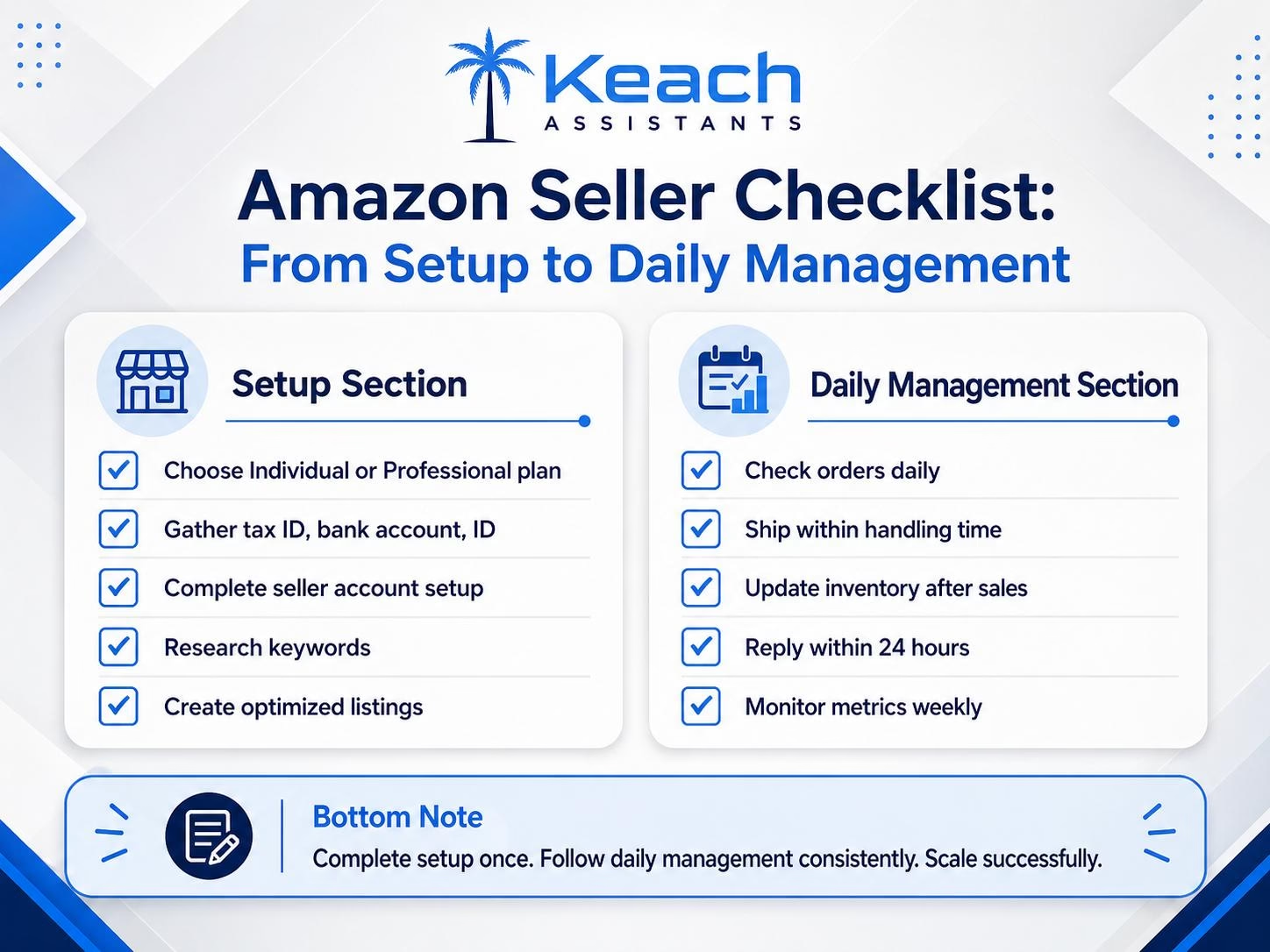
Set Up Your Amazon Seller Account Properly
Start by choosing the right selling plan.
- An individual plan works if you sell fewer than 40 items per month
- Professional plan suits higher-volume sellers
Pick based on your expected sales volume. Next, prepare your documents before you begin:
- Tax ID
- Bank account details
- Government-issued ID
Having everything ready speeds up verification. Complete your Amazon seller account fully. Add:
- Return address
- Shipping settings
- Tax configuration
A complete profile helps build trust and supports better visibility.
Create Amazon Product Listings That Convert
Start with keyword research. Use Amazon’s search bar and type your product idea. Note the suggested searches. These are real customer terms. Use those keywords in your listing. Write clear, keyword-focused titles. Place important terms at the front. Include:
- Brand name
- Product type
- Key features
Avoid filler words that add no value. Add high-quality images. Show your product from multiple angles. Include lifestyle photos showing real use. Amazon allows up to nine images; use them fully.
Love Selling On Amazon But Hate Daily Store Management?
At Keach Virtual Assistants, we provide Amazon virtual assistant who handle product listings, order processing, and customer messages. They optimize listings, manage inventory, and respond to buyers while you focus on growth.
Get Amazon Help
Organize Your Amazon Store Management Systems
Daily structure matters. Check orders every morning. Fast processing improves your seller rating and keeps your account healthy. Update inventory after each sale. Running out of stock can hide your listing and reduce visibility.
Track key performance metrics:
- Order defect rate
- Late shipment rate
- Cancellation rate
Keep all metrics within Amazon’s allowed limits.
Handle Customer Messages Professionally
Reply to customer messages within 24 hours. Amazon tracks response speed closely. Use saved replies for common questions like:
- Shipping updates
- Return requests
- Product details
Adjust each reply slightly to keep it natural. If problems appear, resolve them quickly. Apologize clearly and offer solutions like replacements or refunds. Fast action protects your ratings.
Stop Drowning in Amazon Orders and Messages
Master selling on Amazon with efficient store management systems.
Scale Your Amazon Business Strategically
Do not rush expansion. Start with one product. Learn what works. Then add related products step by step. Consider Amazon FBA if you want to scale faster. Amazon handles:
- Storage
- Packing
- Shipping
This frees your time for sourcing and marketing. Track your best sellers. Focus more effort on products that bring consistent sales before expanding further.
Know When to Hire Help
Daily Amazon tasks take time. Listing updates, order handling, and customer support can grow quickly. If these tasks take more than two hours a day, hiring an Amazon virtual assistant becomes a practical option. They manage operations while you focus on growth.
Before You Go: Apply These Lessons to Etsy
If you also sell on Etsy, you may find value in our Etsy customer service guide. It covers how to improve reviews and build repeat buyers. Many principles apply across platforms.
Ready to Scale Your Amazon Store?
Let an Amazon virtual assistant handle daily operations while you grow.
Wrap Up
Selling on Amazon requires two things: proper setup and consistent management.
Start by building a complete Amazon seller account. Create optimized product listings using keyword research. Maintain daily operations with discipline. Respond to customers quickly and track your performance metrics.
Success comes from systems, not random effort. At Keach Virtual Assistants, we help Amazon sellers manage daily operations, including listings, orders, inventory, and customer messages. This lets you focus on sourcing and scaling your business.
Frequently Asked Questions
How do I start selling on Amazon for the first time?
Go to Amazon Seller Central and choose a plan. Provide your tax ID, bank details, and government ID. Complete your account setup before listing products.
What do I need for an Amazon seller account?
You need:
- Tax identification number
- Bank account for payments
- Government-issued ID
- Business contact details
How do I create listings that perform well?
Use keyword research from Amazon search suggestions. Write clear titles. Add high-quality images. Fill all product details.
What does daily Amazon store management include?
It includes:
- Checking and processing orders
- Updating inventory
- Responding to customer messages
- Monitoring seller metrics
How can a virtual assistant help my Amazon store?
A VA can manage listings, process orders, update inventory, and handle customer messages so you can focus on growth and sourcing.